English
Annotate screenshots & images in seconds.
Mark up captures with arrows, text, blur, pixelation, and more, then share right from your phone or tablet. From the same independent developer as Dropshare for macOS and iOS.


How Annotate works
Open it
Start from Photos, Files, the clipboard, or a blank canvas - or pick a device preset to mock up against.
Mark it up
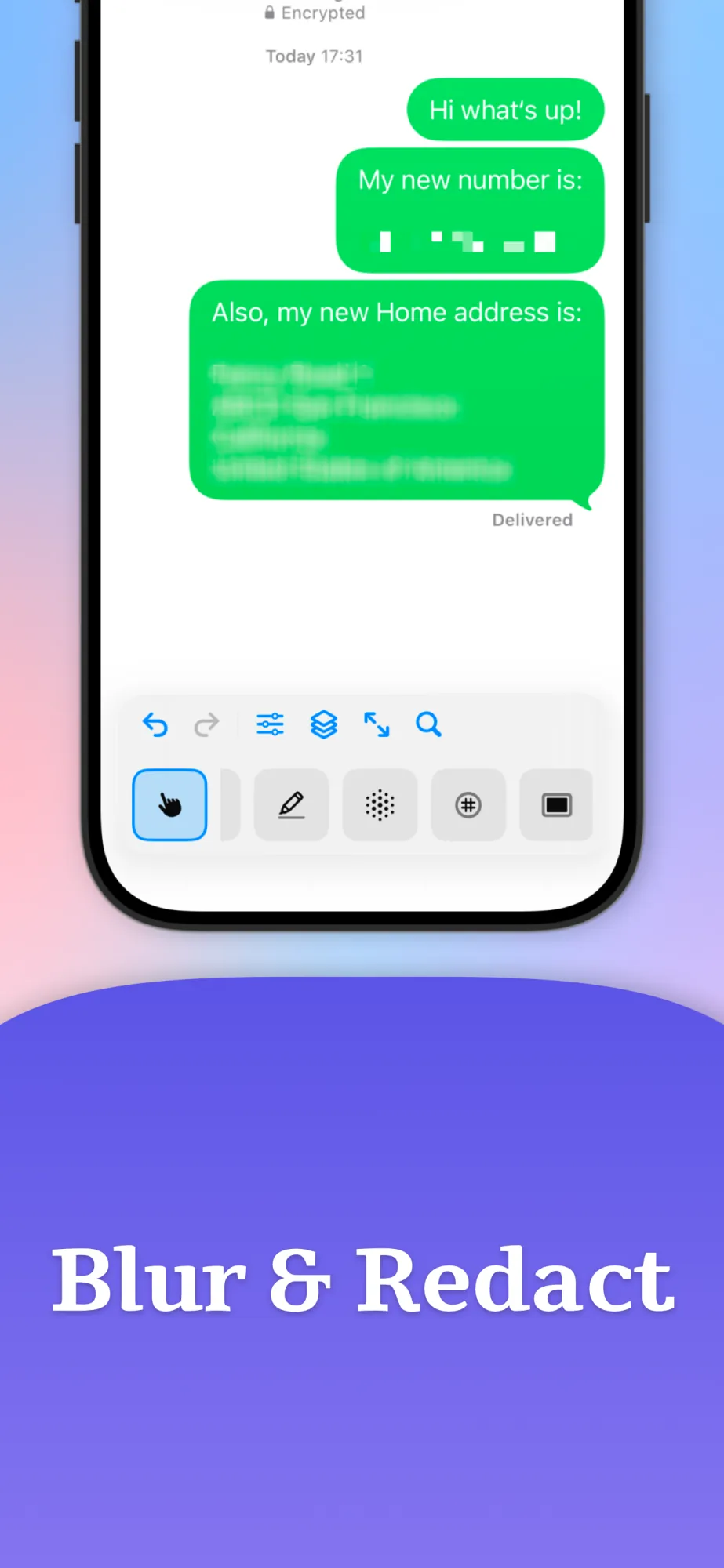
Highlight what matters, redact what doesn't, and frame it beautifully with 17 focused tools.
Share it
Export as PNG, JPEG, HEIC, or WebP and send straight from the share sheet - or upload with Dropshare.
See Annotate in action
Open an image, highlight what matters, redact what doesn't, and export in seconds. Designed for quick support screenshots, feedback, and polished visuals on the go.
Tap any screen to explore in full size.
Everything you need for
quick markup
Annotate is focused on fast, polished markup, whether you're redacting sensitive info or highlighting UI details.

Start from anywhere
Open from Photos, Files, the clipboard, or a blank canvas - or pick a device preset like iPhone, iPad, or Android to mock up against the right size.

17 tools, ready to go
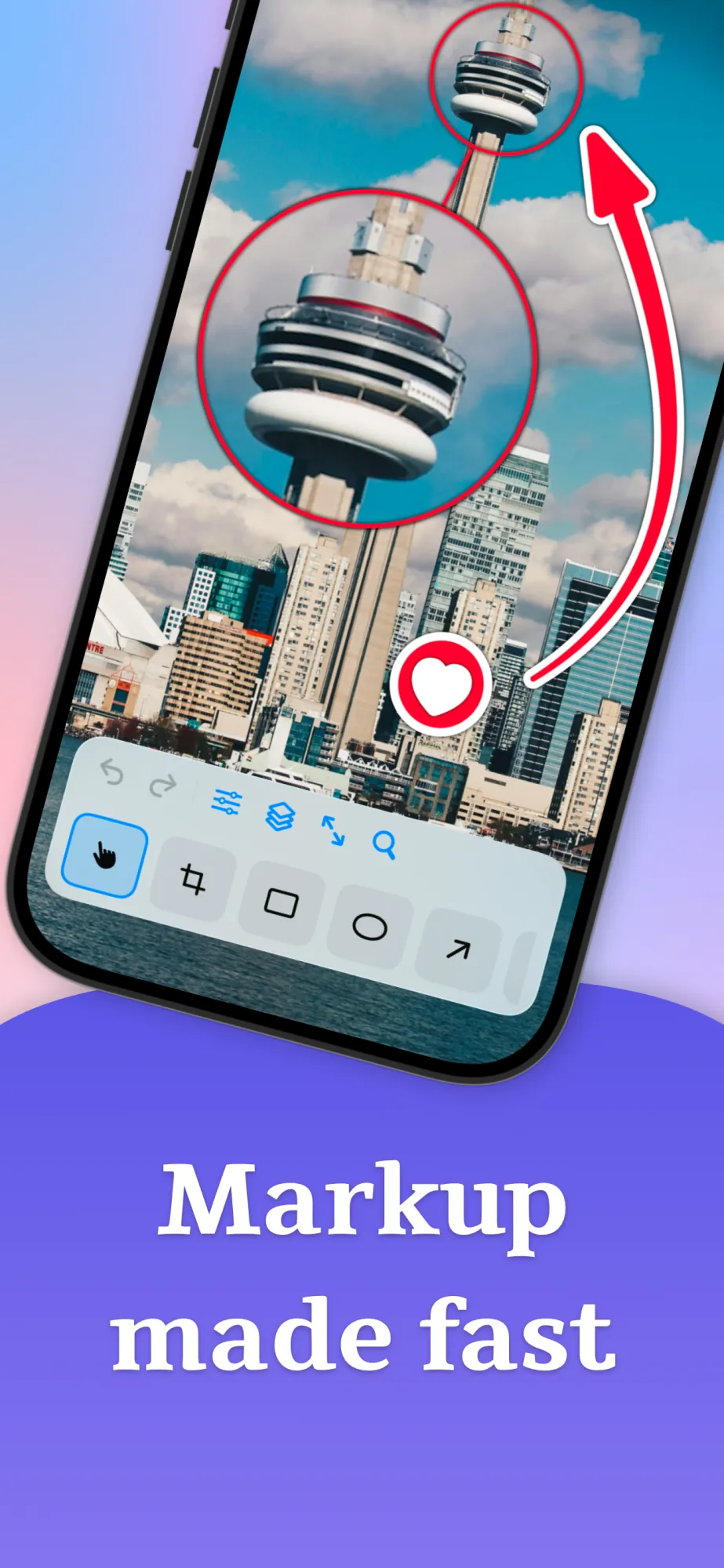
Crop, Blur, Pixelate, Text, Number, Stamp, Rect, Oval, Arrow, Pen, Marker, Loupe, Highlight, Watermark, Backdrop, Image, and GIF - clean shapes, plus freehand pen and marker for natural strokes.

Text that fits your layout
Choose font, size, and alignment, and add an optional background pill so labels read clearly on any image.

Number badges & SF Symbols
Drop numbered badges to walk through a flow, or search the full SF Symbols library and stamp the right icon onto your image.

Blur, pixelate & loupe
Hide sensitive content with blur or pixelation, or call attention with a magnifying loupe - ideal for support screenshots and bug reports.

Highlight tool
Spotlight exactly what matters - highlight a specific part of the image and dim out the rest so the eye goes straight to the point.

Full style control
Tune stroke width, fill, outlines, shadow, and opacity, and pick from configurable arrowheads to match the look you want.

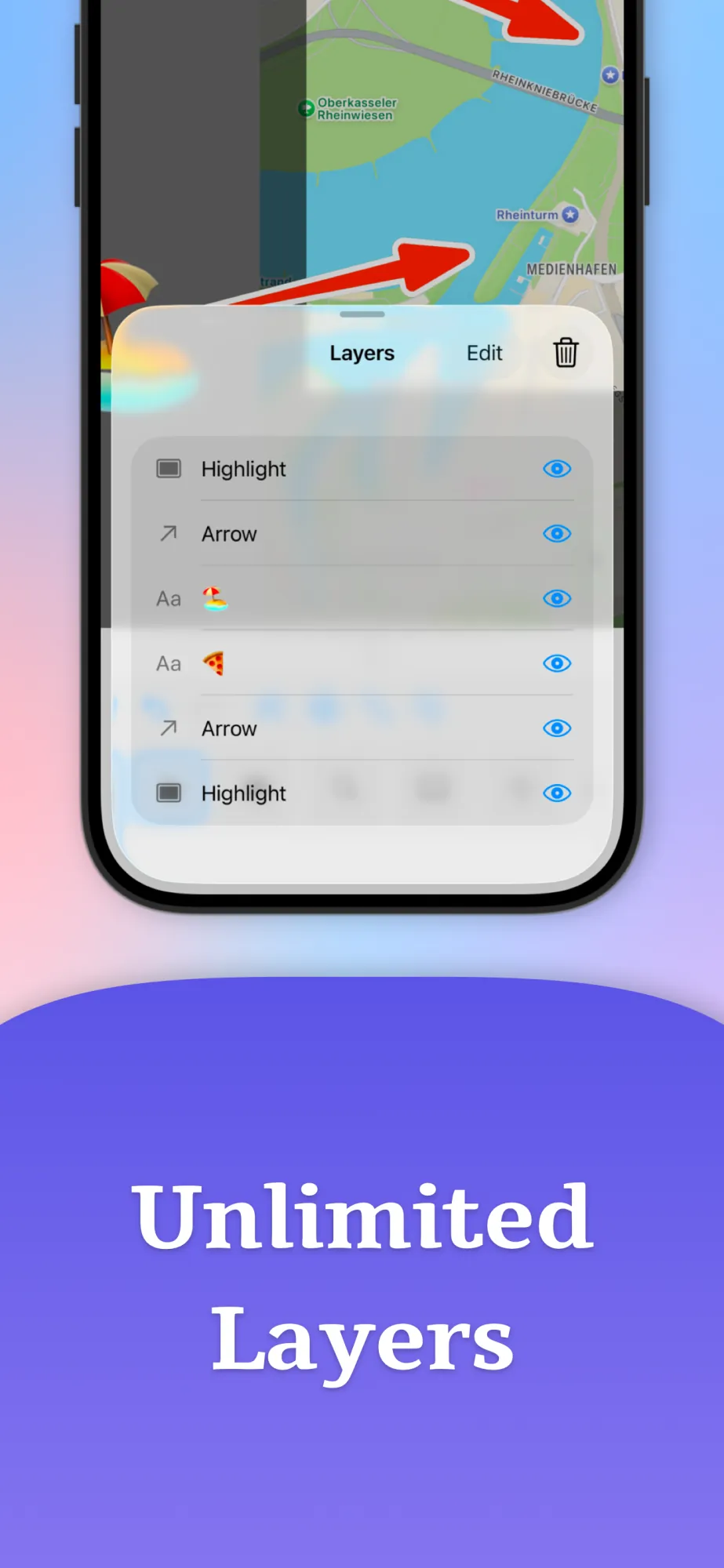
∞ Layers
Every annotation lives on its own layer. Select, reorder, and delete without disturbing anything else on the canvas.

Helpful extras
Snapping keeps shapes neatly aligned, undo and redo are always one tap away, and you can zoom to fit or 100% in an instant.

Apple Pencil ready iOS only
Palm rejection kicks in automatically so the Pencil draws while your fingers still pan and pinch - no mode toggling required.

Grow the canvas
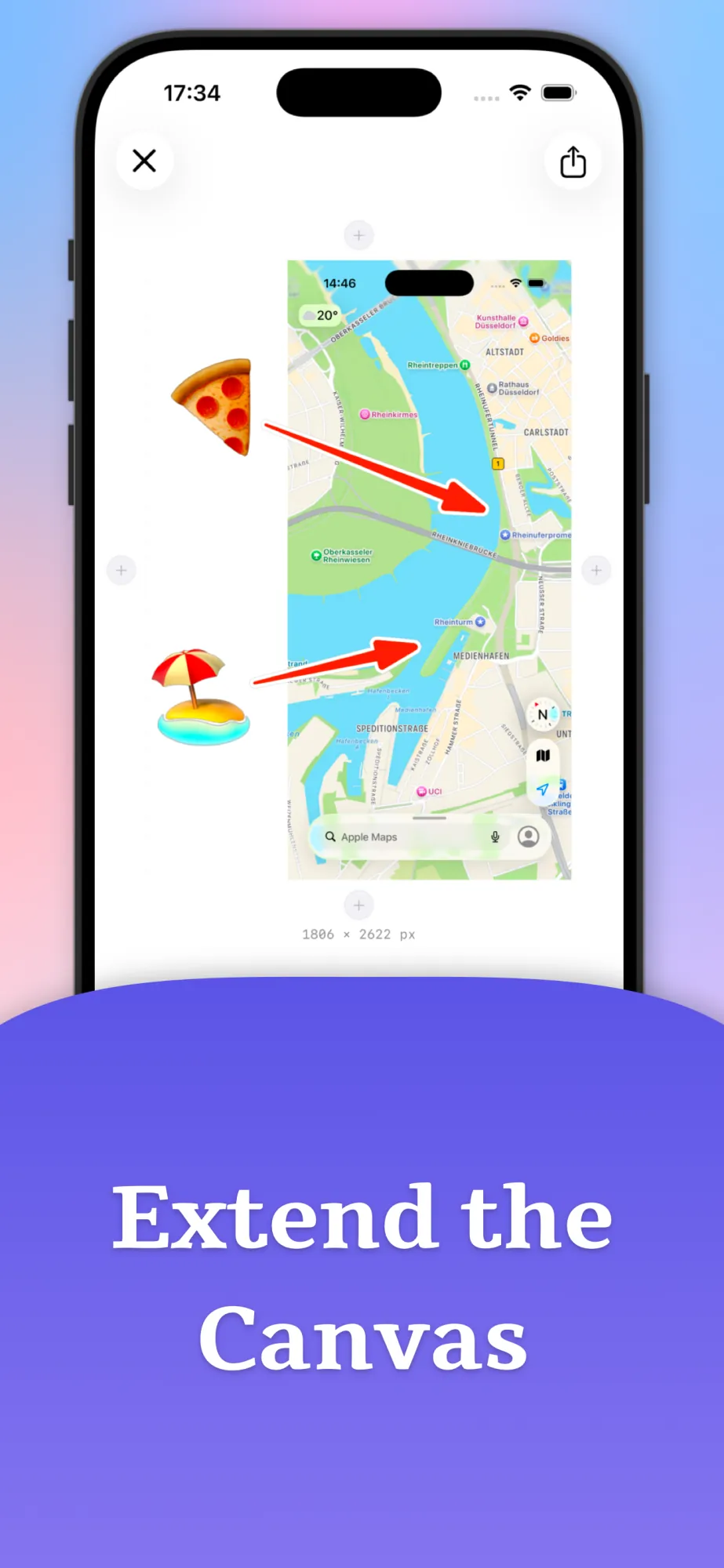
Add space on any edge to make room for callouts, shapes, or extra commentary without cropping into the original image.

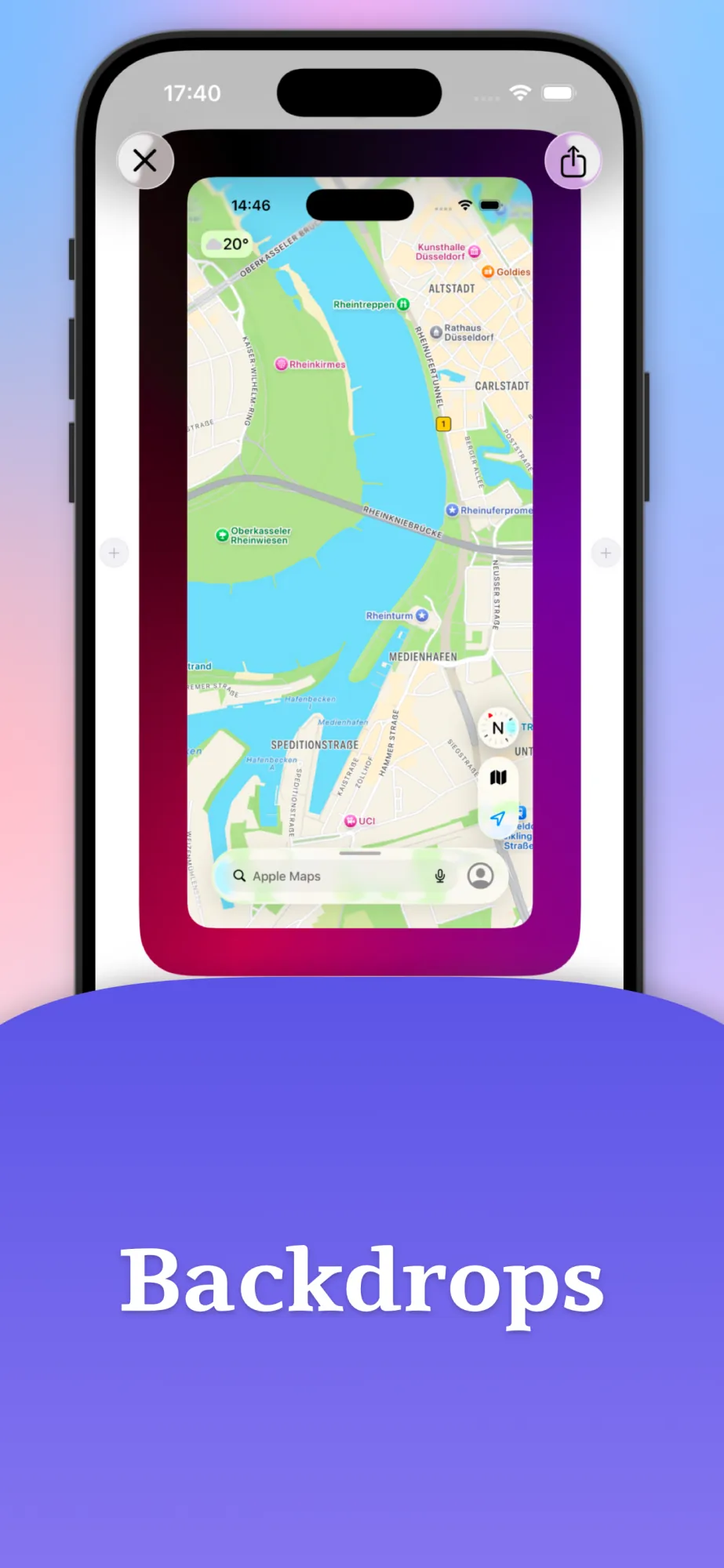
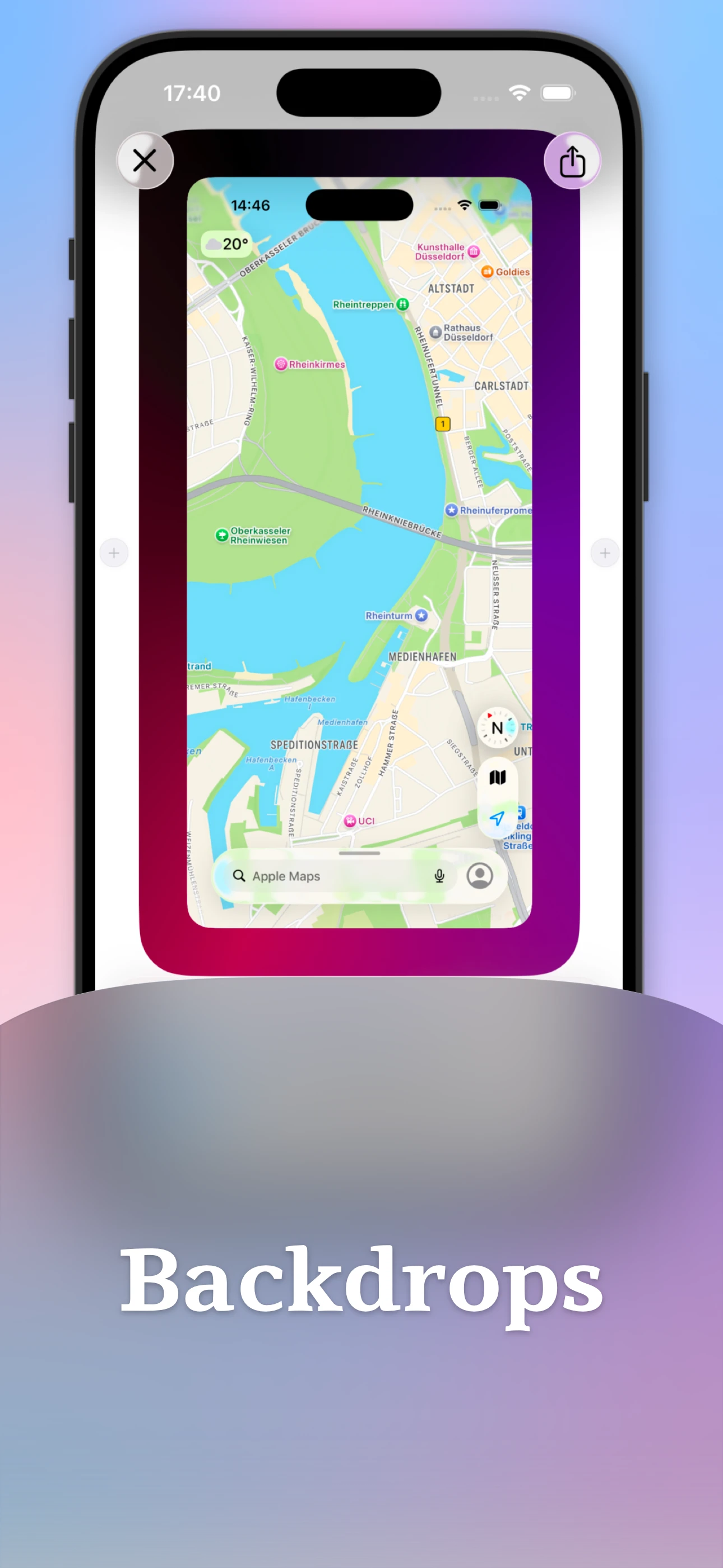
Backdrops & framing
Frame your screenshot with gradients or solid colors, and choose whether the backdrop pads the canvas or fits inside it for presentation-ready exports.

Watermarks
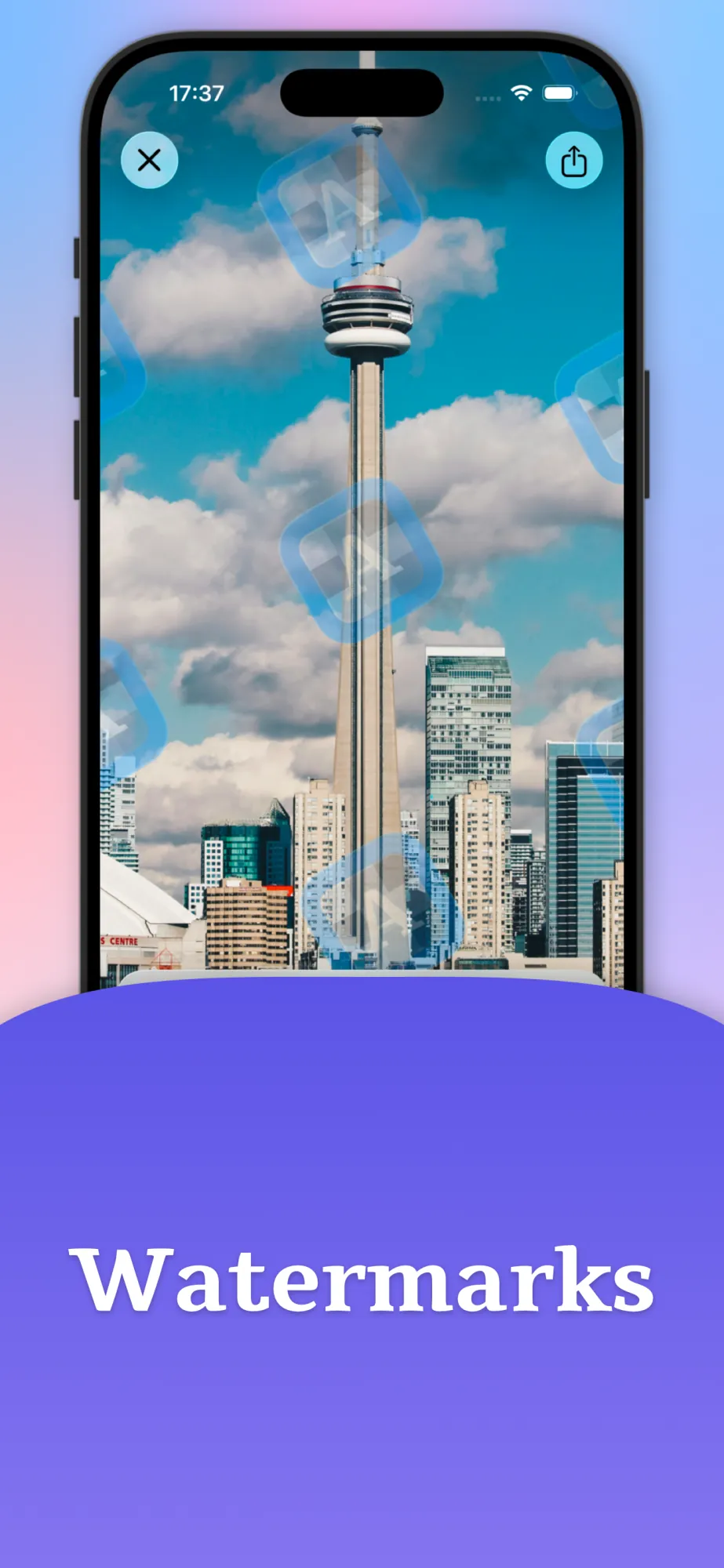
Stamp your images with a watermark to mark ownership or brand your screenshots before you share them.

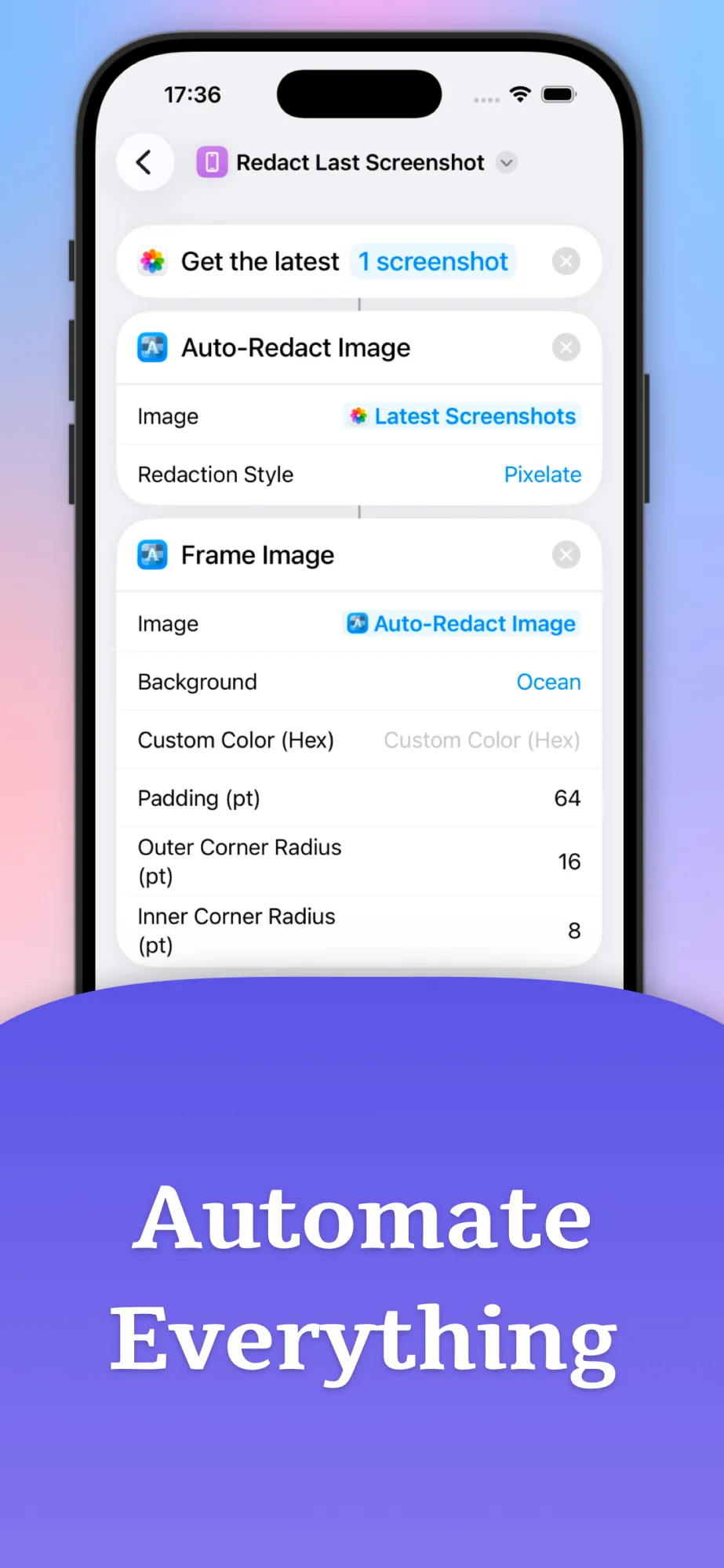
Shortcuts.app integration iOS only
Automate your markup with Apple Shortcuts - add pixelation and backdrops to images right from the Shortcuts app, no manual editing required.

Export & share fast
Save as PNG, JPEG, HEIC, or WebP and send via the share sheet. If you use Dropshare, pick it there to upload and copy a link in one step.

Templates
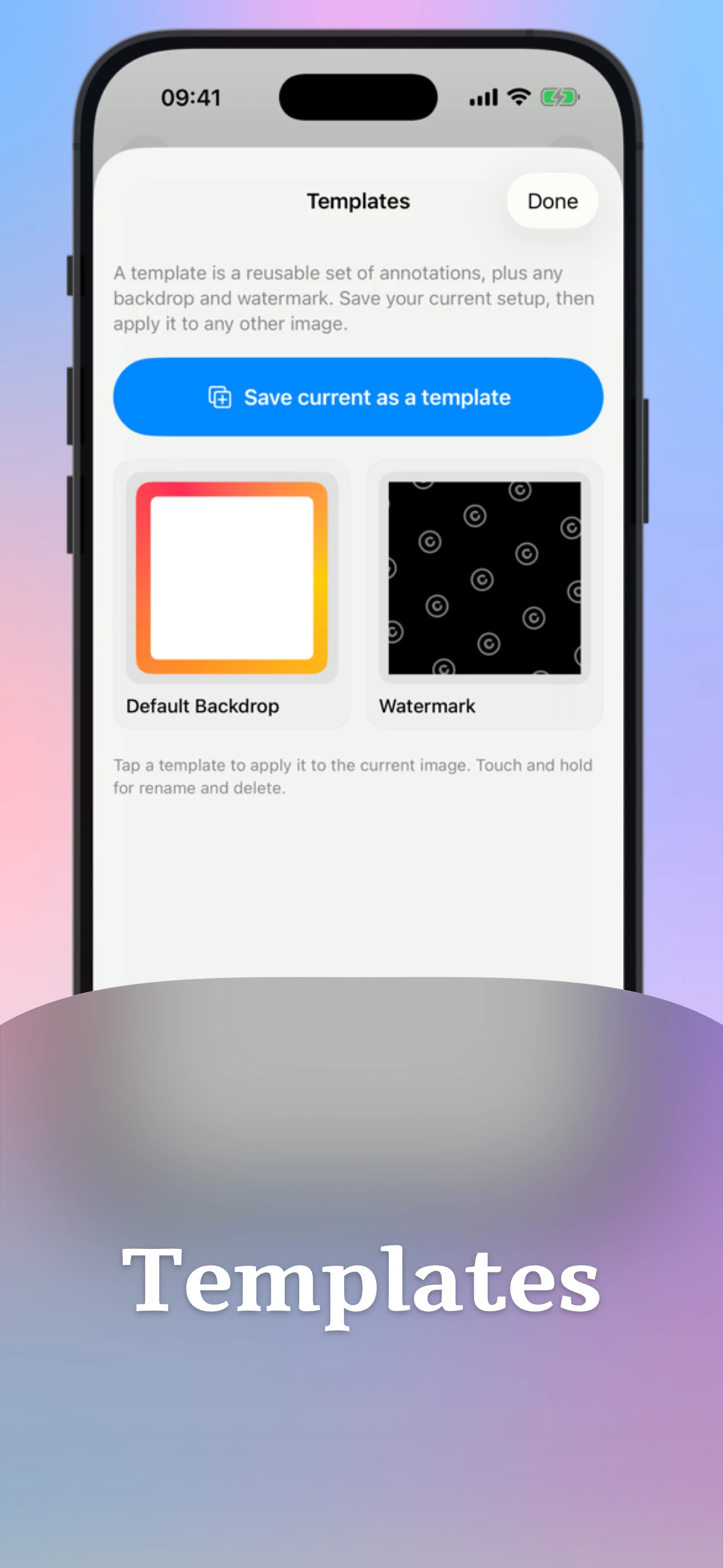
Save the annotations you use most as templates and reuse them on any image - set up the markup once, then drop it onto any capture.

GIFs & stickers
Add GIFs and stickers powered by KLIPY to give images personality - search a huge library and drop them onto your canvas. When you add a GIF, your work exports as a video instead of an image.
You might have seen Annotate on




What customers say
Frequently asked questions
Is Annotate free?
On iOS, Annotate is free to download and includes five free annotated image exports; a one-time purchase unlocks unlimited exports, with no subscription. On Android, Annotate is a paid app with unlimited exports included.
Does Annotate work on tablets?
Yes. Annotate is a universal app that runs on both phone and tablet, on iOS and Android.
What image formats can Annotate export?
You can export annotated images as PNG or JPEG - plus HEIC on iOS and WebP on Android - and share them straight from the share sheet.
Does Annotate need an internet connection?
No. All markup happens on your device and no account is required. A connection is only needed if you choose to upload a result with Dropshare, or when you search for and add GIFs and stickers.
Does Annotate support Apple Pencil?
Yes. Apple Pencil is fully supported, and automatic palm rejection lets you draw while your fingers still pan and zoom.
How is Annotate different from the built-in iOS Markup?
Annotate adds tools iOS Markup lacks, including blur and pixelate for redaction, a magnifier loupe, numbered badges and SF Symbols, watermarks, backdrops, unlimited layers, full style control, and Apple Shortcuts automation.

Capture, mark up, and share
without breaking your flow.
Download Annotate for iPhone, iPad, Vision Pro & Android.
